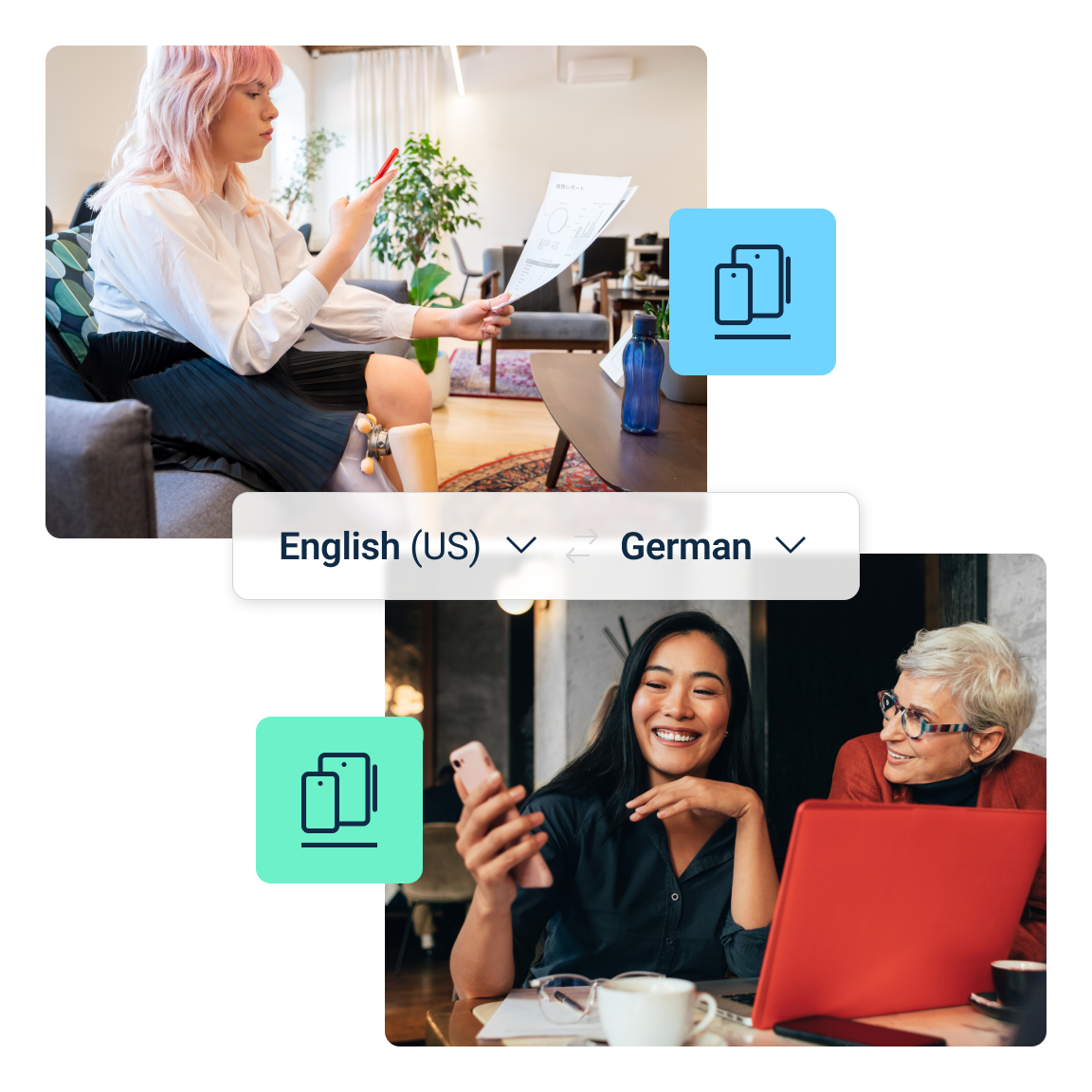
Choose an official DeepL destination

The quickest option is the browser-based DeepL Translator. Desktop apps add system-level workflows, while mobile apps are designed for translation away from a desk.

Use the links on this page to continue to DeepL's own website. DeepLApp.com does not host, mirror, or redistribute installation files.

  • Use the web translator for immediate browser access
  • Check the Windows or Mac page for current system requirements
  • Use official mobile store destinations for iOS and Android

Verify the app after installation

After installation, translate a short non-sensitive sample before adding DeepL to a production workflow. Confirm the source and target languages, shortcut behavior, file access, and sign-in status.

For documents or team terminology, test a small representative file first. Current supported formats, limits, and plan features should always be checked on DeepL's official pages.